
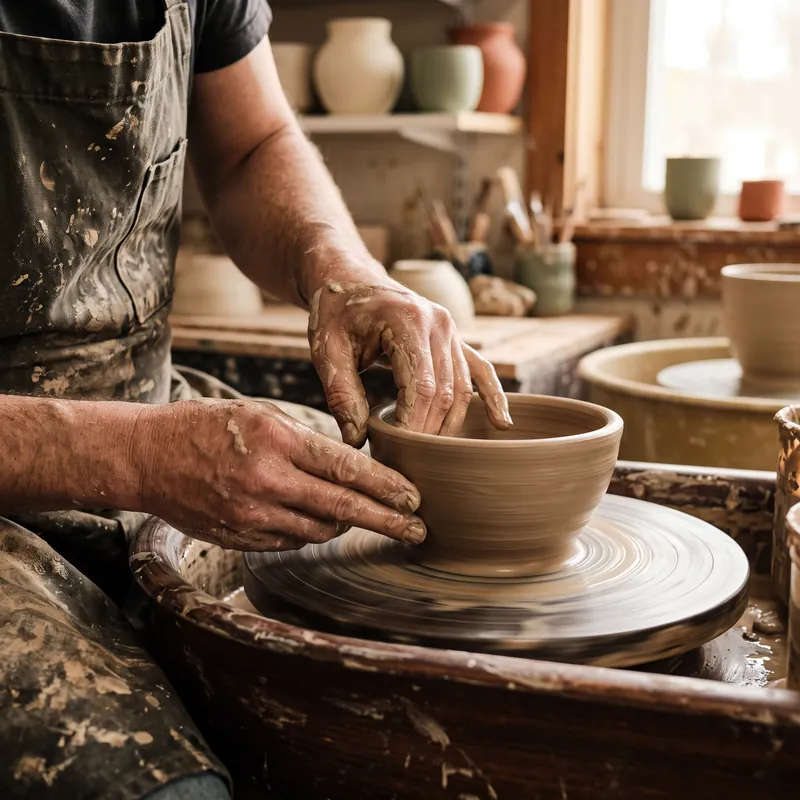
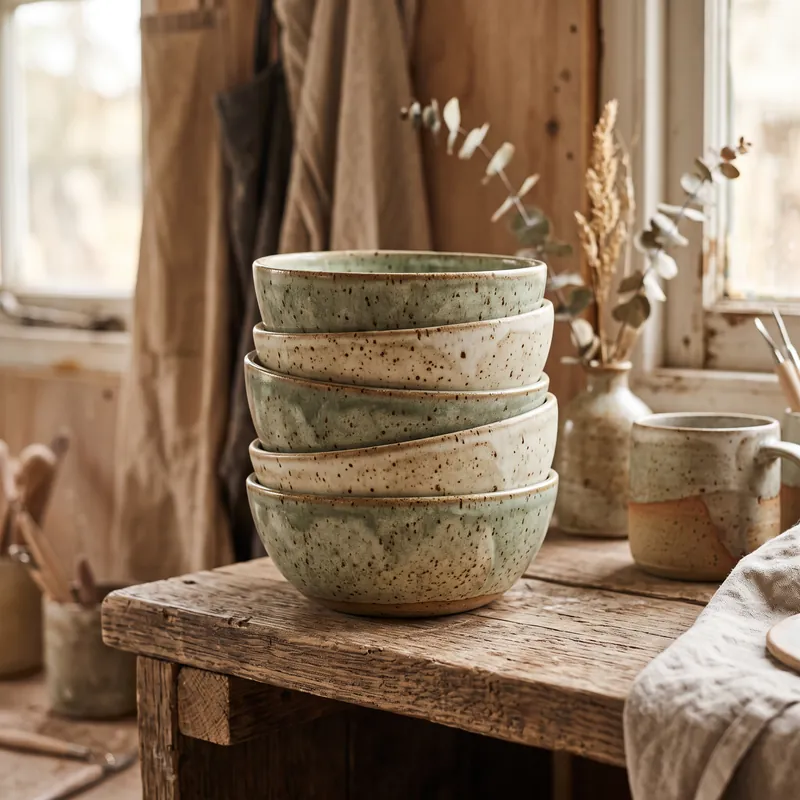
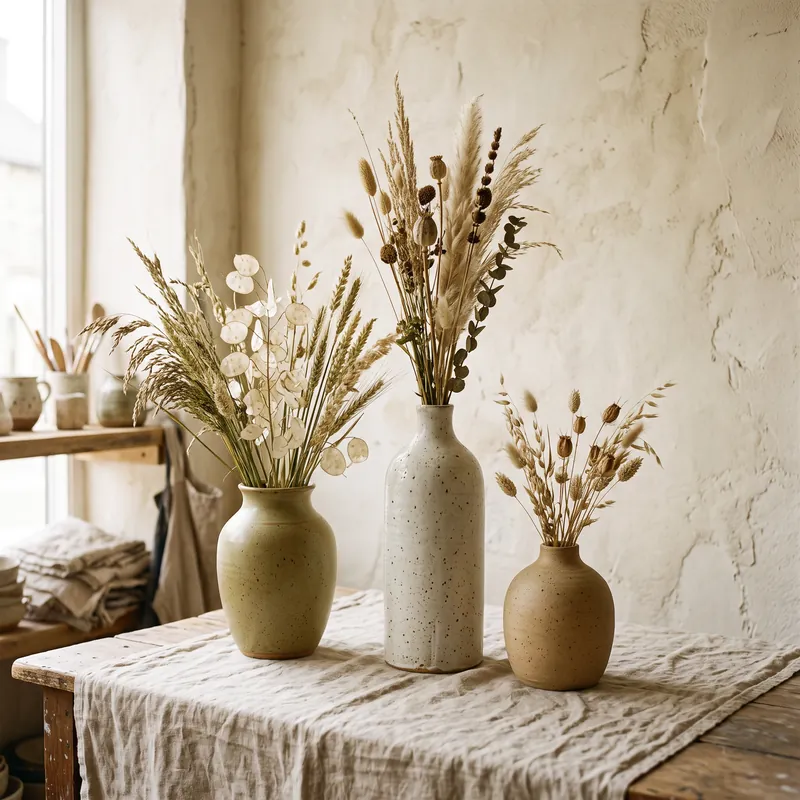
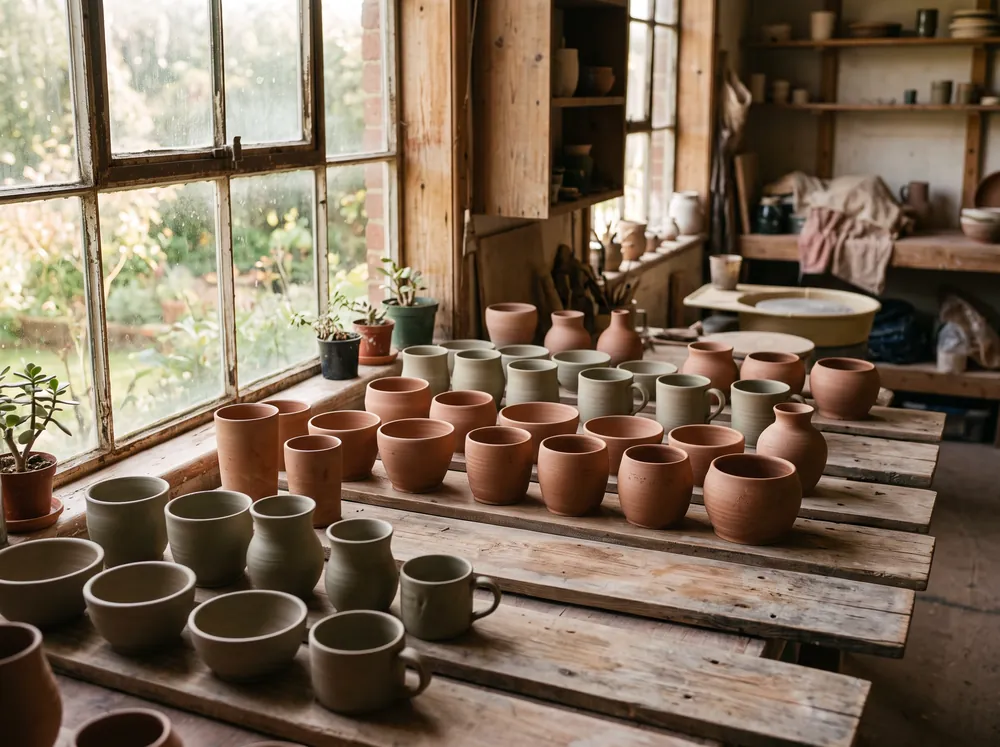
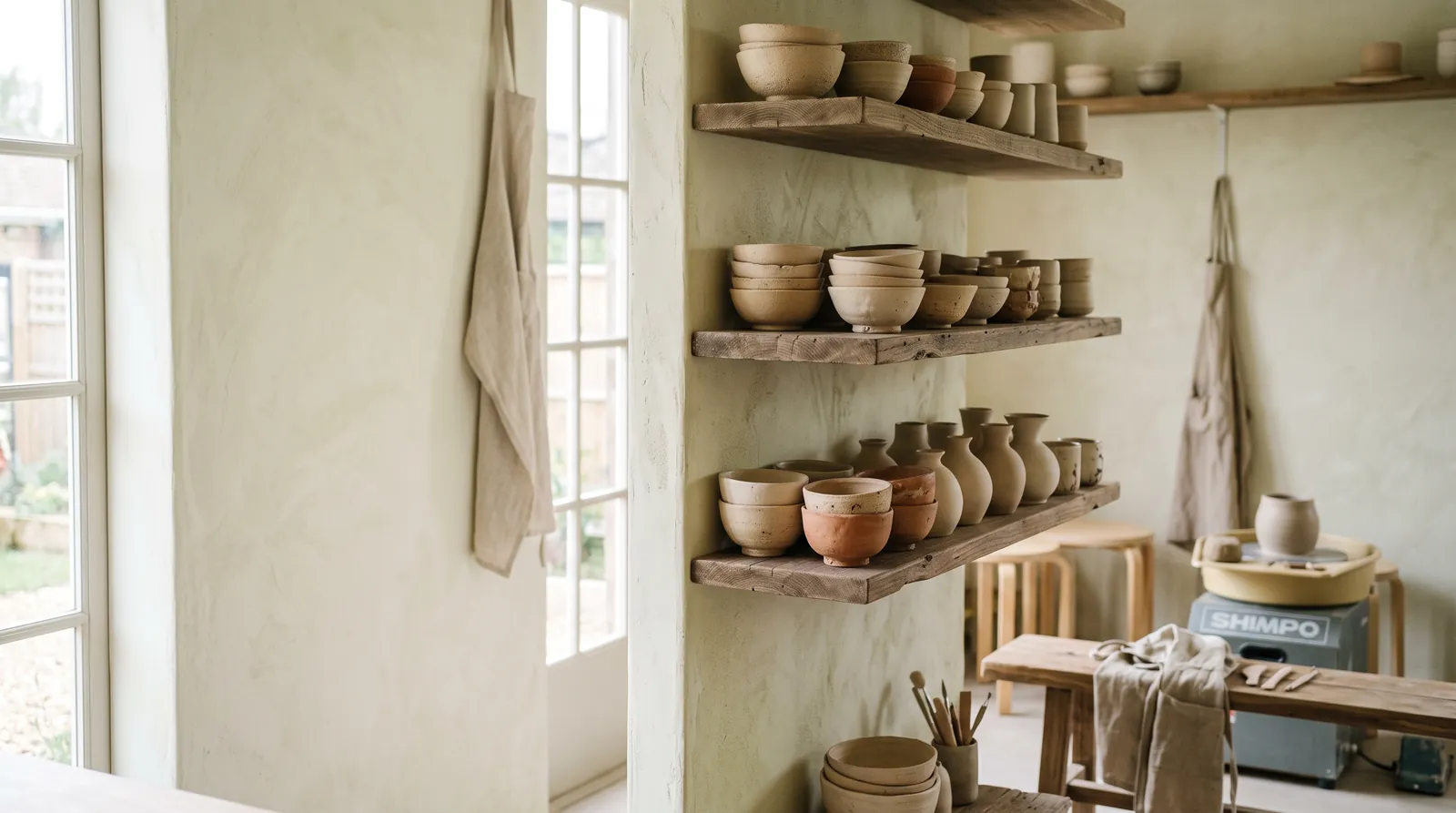

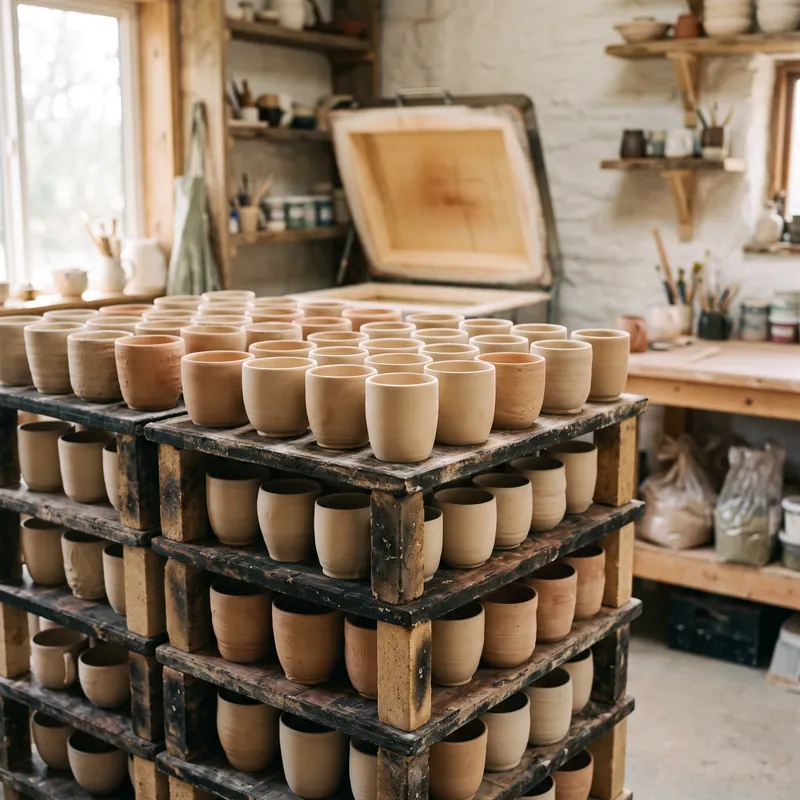
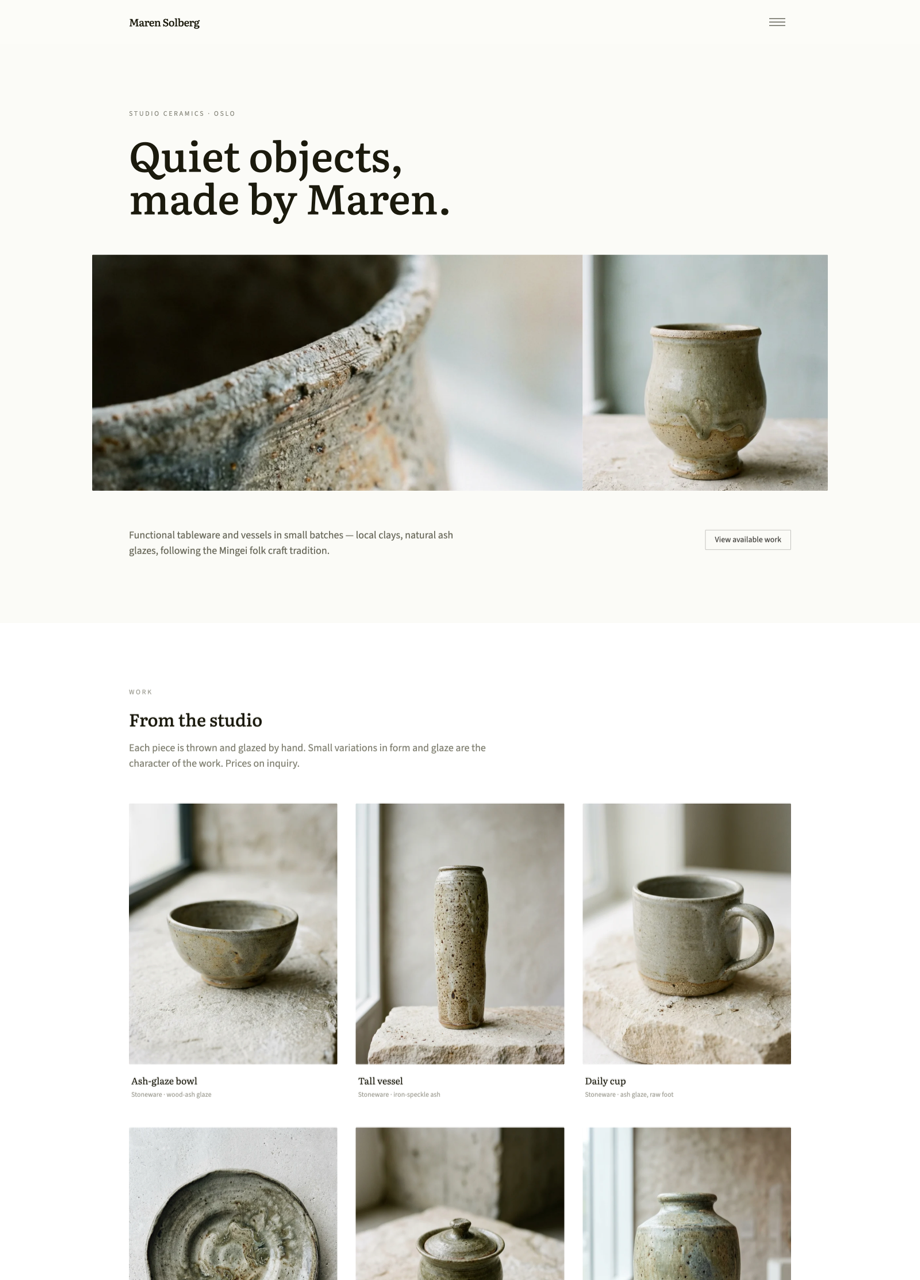
Pictures that tell your story.

Bring the photos only you can take. Find a stock image when you need one. Ask Pagecloud AI to polish, create and fit visuals to your site, all without leaving the page.
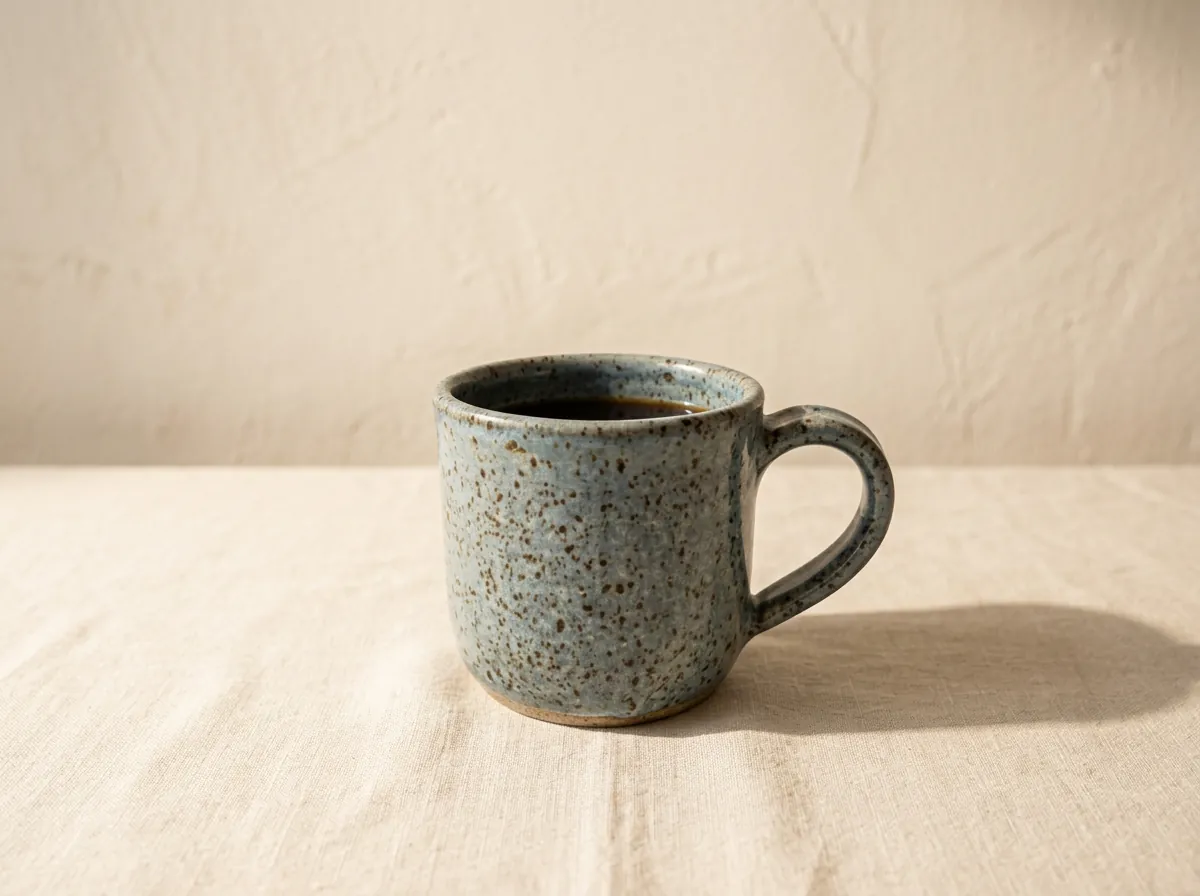
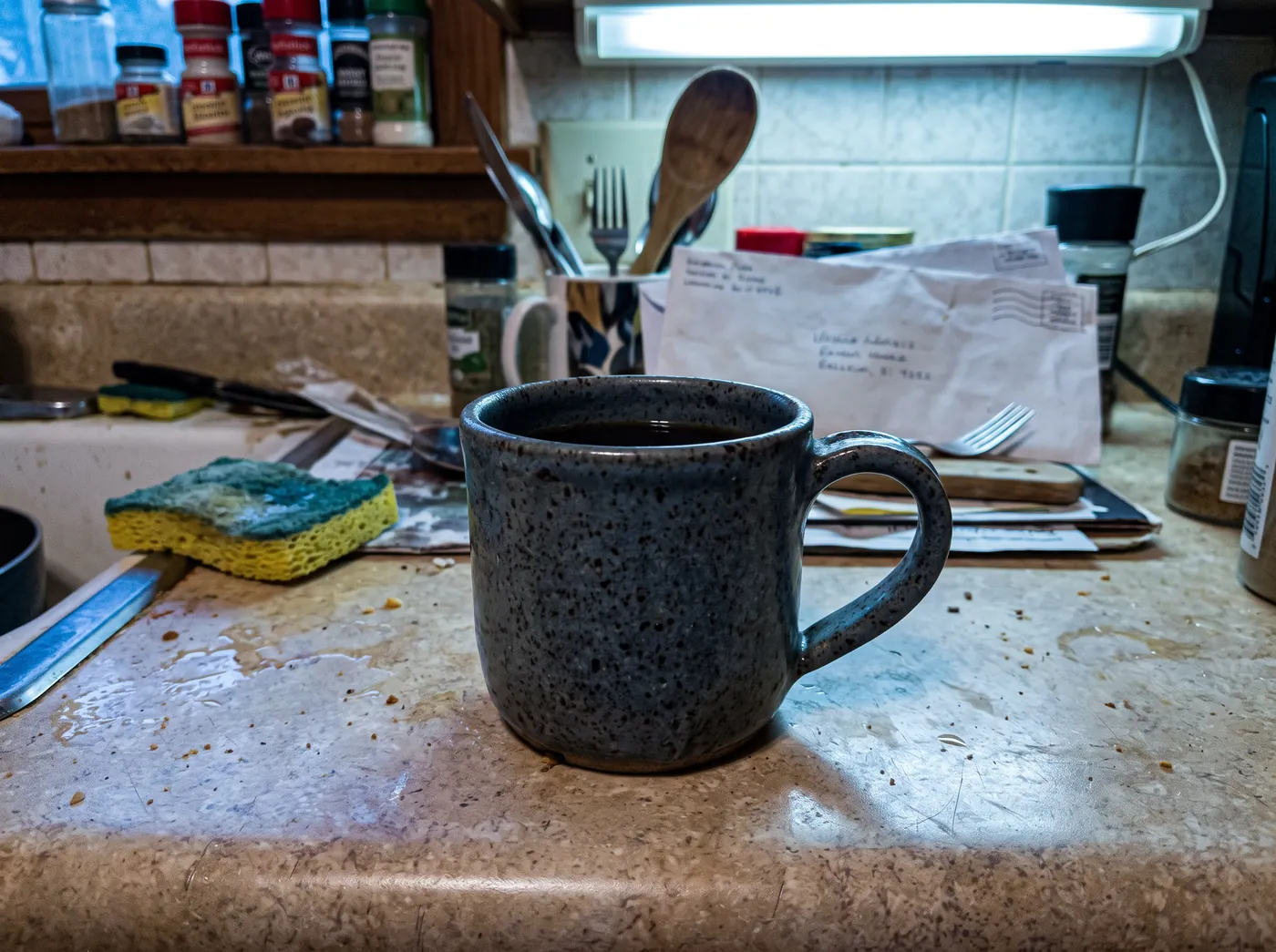
The same mug after an AI edit: warm, bright light on a clean linen table.A quick phone photo of a speckled stoneware mug on a cluttered kitchen counter.
  • Upload your ownYour logo, products and finished work, in one media library.
  • Find free stockSearch free stock photos without leaving your site.
  • Create and refineDescribe the image you need, or tell Pagecloud AI how to improve one.

Every image, one library.

Whatever you need, it starts in the same place and lands on your page with a click.

  1. LibraryUpload photos and videos up to 10 MB. Everything you add stays ready to reuse.
  2. FindSearch free stock images by subject, shape and type.
  3. CreateDescribe the image you want and Pagecloud AI generates it, saved straight to your library.

Looks right on every screen.

Set a focal point once and your image crops gracefully wherever it appears, from a wide banner to a square card.

Say what’s wrong. Watch it improve.

Open any image to crop, flip or rotate it by hand. Or just describe the change you want, like better light, a calmer background or a different mood, and Pagecloud AI refines it for you.

Every version is kept in the edit history, so you can always go back to the original.

The right image for each job.

A few habits that make every picture earn its place.

Show the real thing

Your products, your space, your finished projects. Nothing convinces like the work itself.
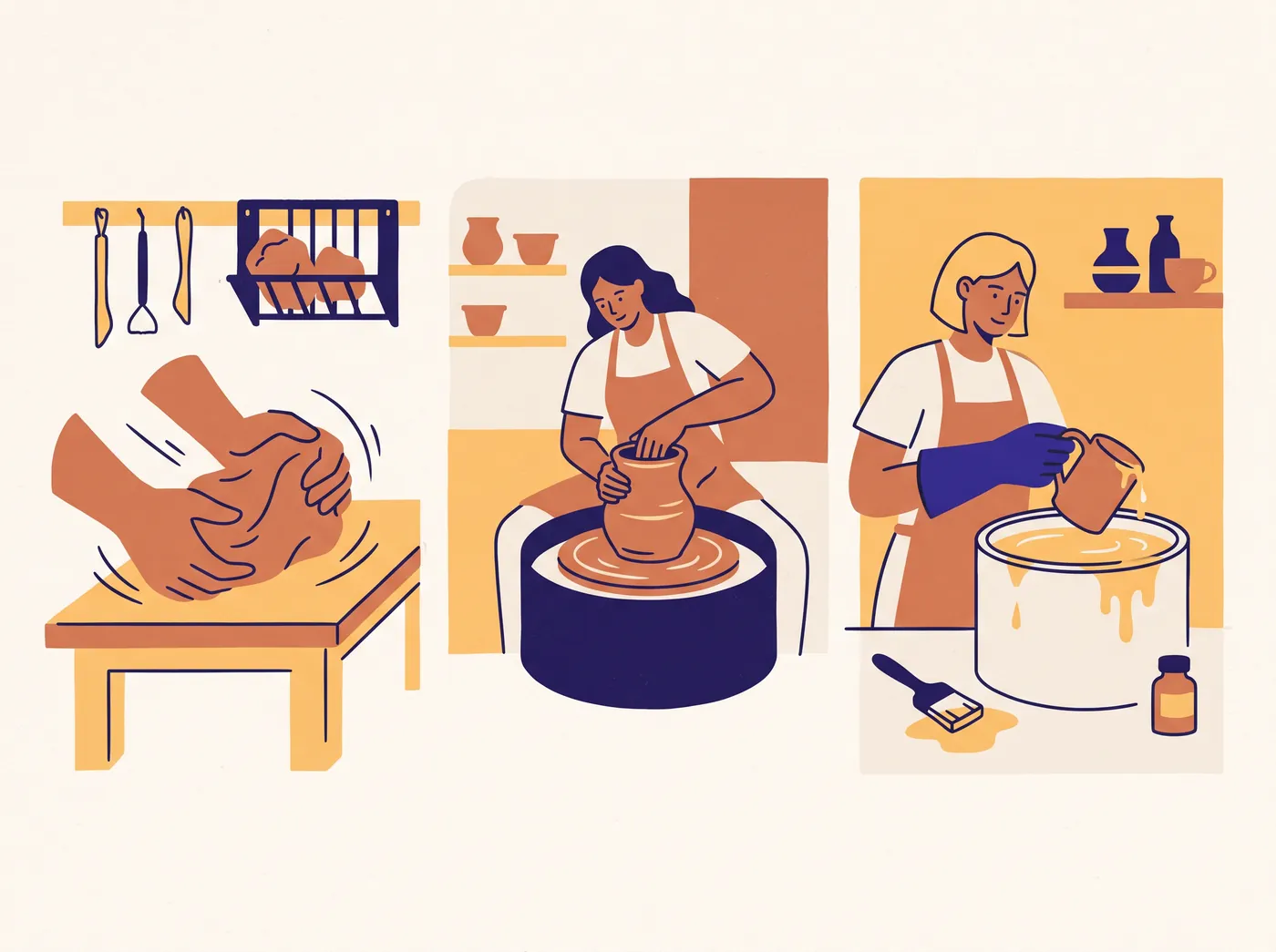
Create to explain

Illustrations and backgrounds are perfect for explaining an idea or setting a mood.

Describe what matters

Add alt text so every visitor, and search engines, understand what each image shows.

Good to know.

Can I use my own logo and photos?
Absolutely, and we encourage it. Upload images and videos up to 10 MB in jpg, png, webp, gif or mp4 format, as long as you have permission to use them.
Can generated images stand in for my real work?
Use them to illustrate and set the mood, not as proof. Show real projects, products and people with real photos, so visitors can trust what they see.
Do I still need to think about image rights?
Yes. Check you have permission for photos you upload and consent from anyone pictured, and follow the attribution terms for stock images. Generating an image doesn’t settle rights or accuracy on its own.
What if an AI edit isn’t quite right?
Ask for another refinement, adjust it by hand or step back to an earlier version from the edit history. Look closely at faces, lettering and product details before you publish.

Let your work be seen.

Build a website that shows what you do at its best.

Create your website

It starts with a conversation.