
Let your work do the talking.
Photographers, designers, illustrators, makers and musicians: show your work at its best without fighting a template. Describe your practice, bring your images, and Pagecloud AI builds a portfolio around them.
Your work first. Everything else follows.

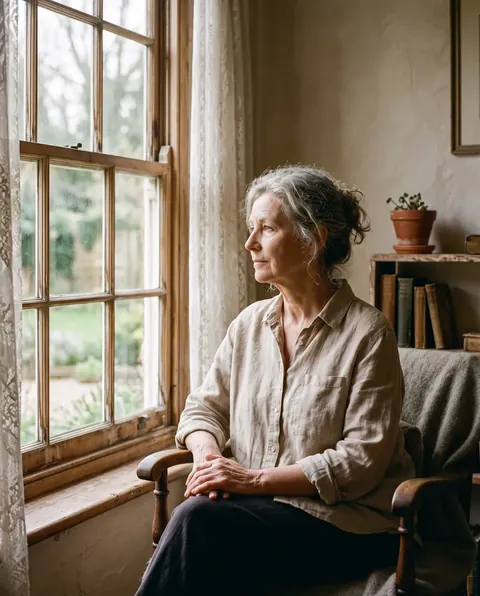
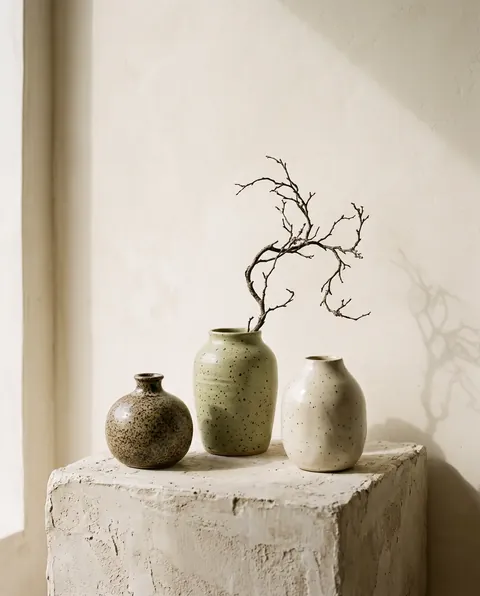
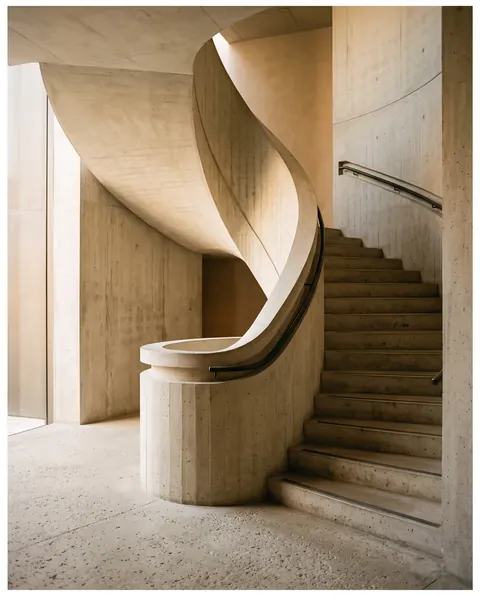

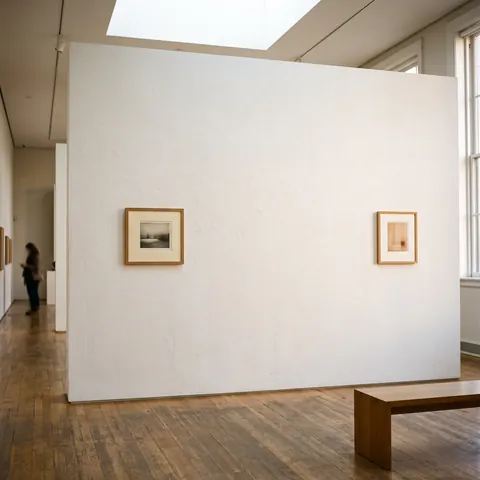
A client decides in a few seconds of scrolling. The first thing they see should be your work, not the template around it.
Show the look you want. Skip the design jargon.
Drop a few images into the chat: your own photos, a gallery wall you love, a fabric or a color. Pagecloud AI reads them for palette, type and spacing, and keeps them in mind for the whole conversation.
Then keep refining in plain words. “More space between projects.” “Make the type quieter.” “Lead with the portraits.”

Frame each piece the way it deserves.
Not everything belongs in a rectangle. Ask for arches, circles, soft organic shapes, scalloped frames or seals, and Pagecloud AI crops your images to fit, from a library of more than 50 shapes.
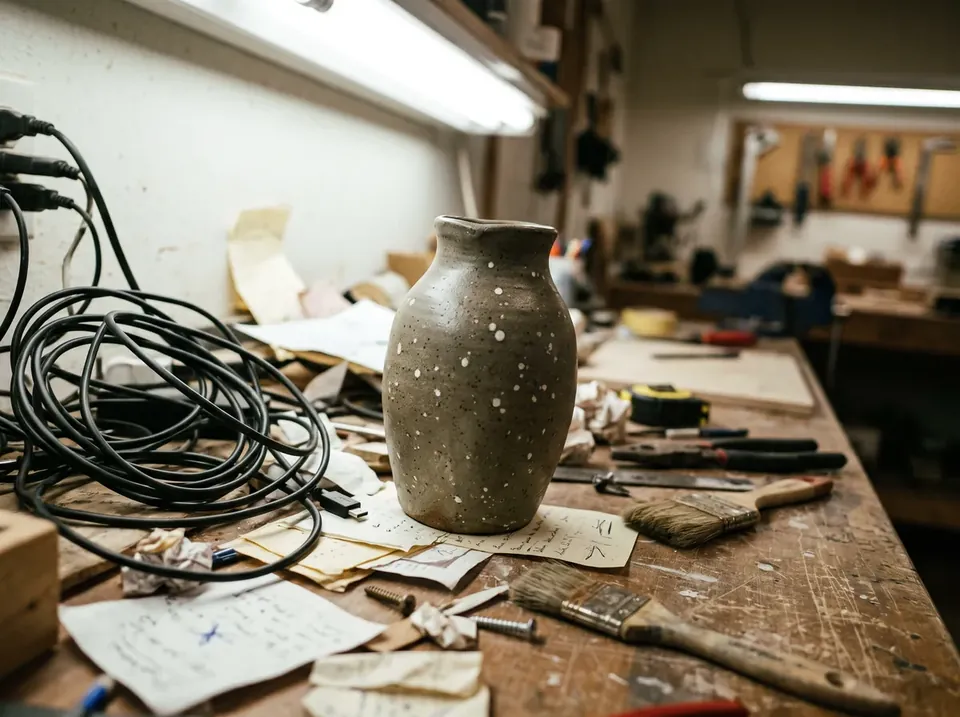
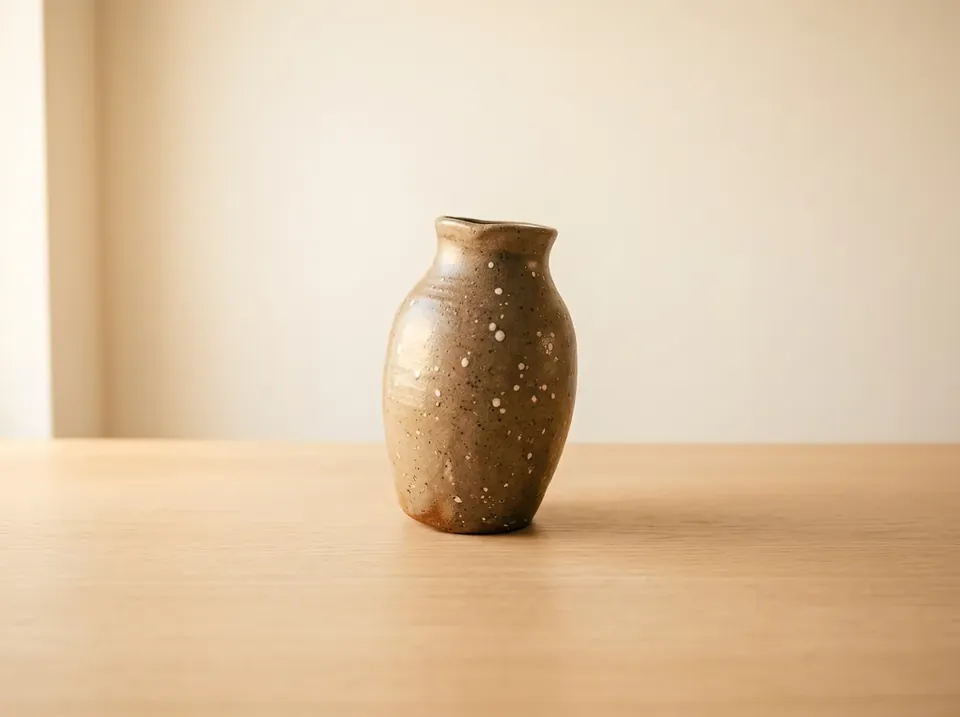
Fix a photo without leaving the page.
Crop to a set ratio, rotate or flip, and keep the subject in frame. Then describe what’s wrong in plain words and let Pagecloud AI refine it: warmer light, a cleaner background, a distraction gone.
Every edit is saved as a new version in your media library, so your original is never lost.
The practical side, handled.
The details that make a portfolio feel professional, without the hours you’d rather spend on the work.


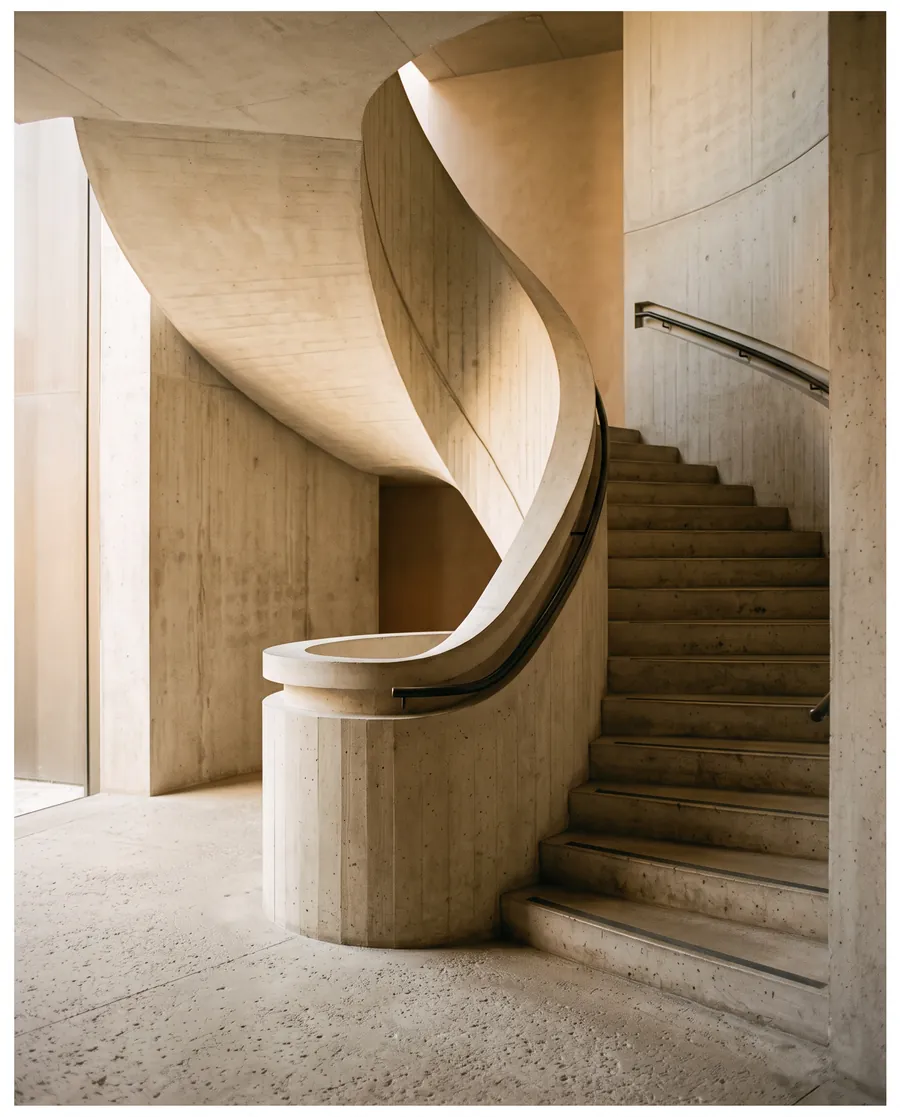 Your name, your addressConnect your own domain with clear steps and live certificate status, so clients find you at an address that’s yours.
Made for people who make things.
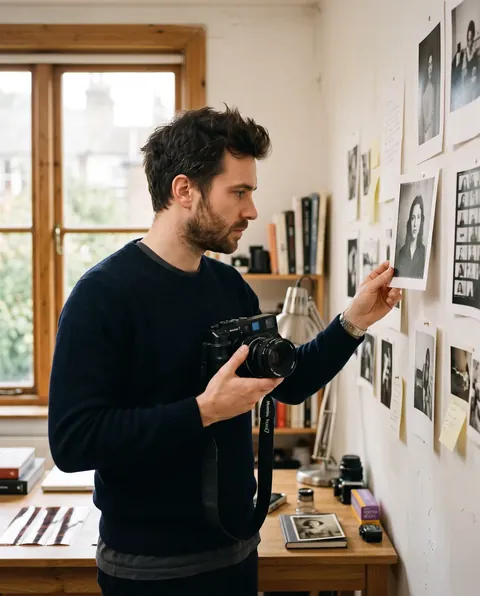
Every portfolio starts with a conversation about the work and who it’s for.


Questions from working creatives.
Can I sell prints or products from my site?
Can I share private galleries with clients?
Will large photos slow my site down?
Can I add a page for each project or series?
Can I edit the site myself?
Your best work deserves a better frame.
Build a portfolio that puts it first, and keep it current as easily as you make new work.
Create your portfolioIt starts with a conversation.