Tell us about your business
A short interview covers what you do, who you serve and what visitors should do next.
Tell Pagecloud AI about your business in your own words. It drafts your first page, then keeps building with you: rewriting, restyling and adding pages whenever you ask.

Pagecloud AI
Create a homepage for Drift, our coffee roastery in Copenhagen.
Your homepage is ready. Ask me for any change, or click something on the page to edit it.
Make the headline warmer.
Thinking
Done. Your headline now reads “A roastery with heart.”
Show the coffees we’re roasting now under the hero.
Thinking
Added. Ethiopia, Colombia and Kenya now sit under your hero.
Ask for changesMake the headline warmer.Show the coffees we’re roasting now under the hero.
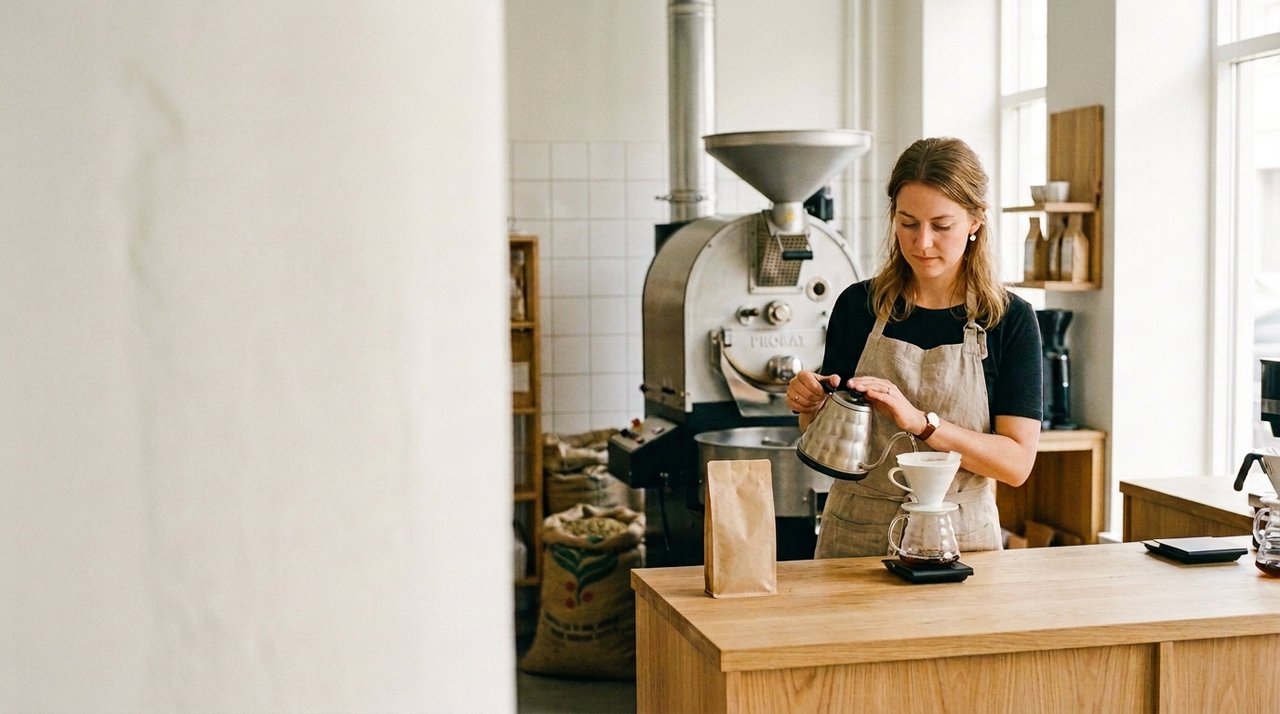
Roastery in Copenhagen
Specialty coffee, roasted in Copenhagen.
A roastery with heart.
Single-origin beans, sourced direct and roasted in small batches. Order fresh roasts online.
Four moments that turn what you know into a working website.
A short interview covers what you do, who you serve and what visitors should do next.
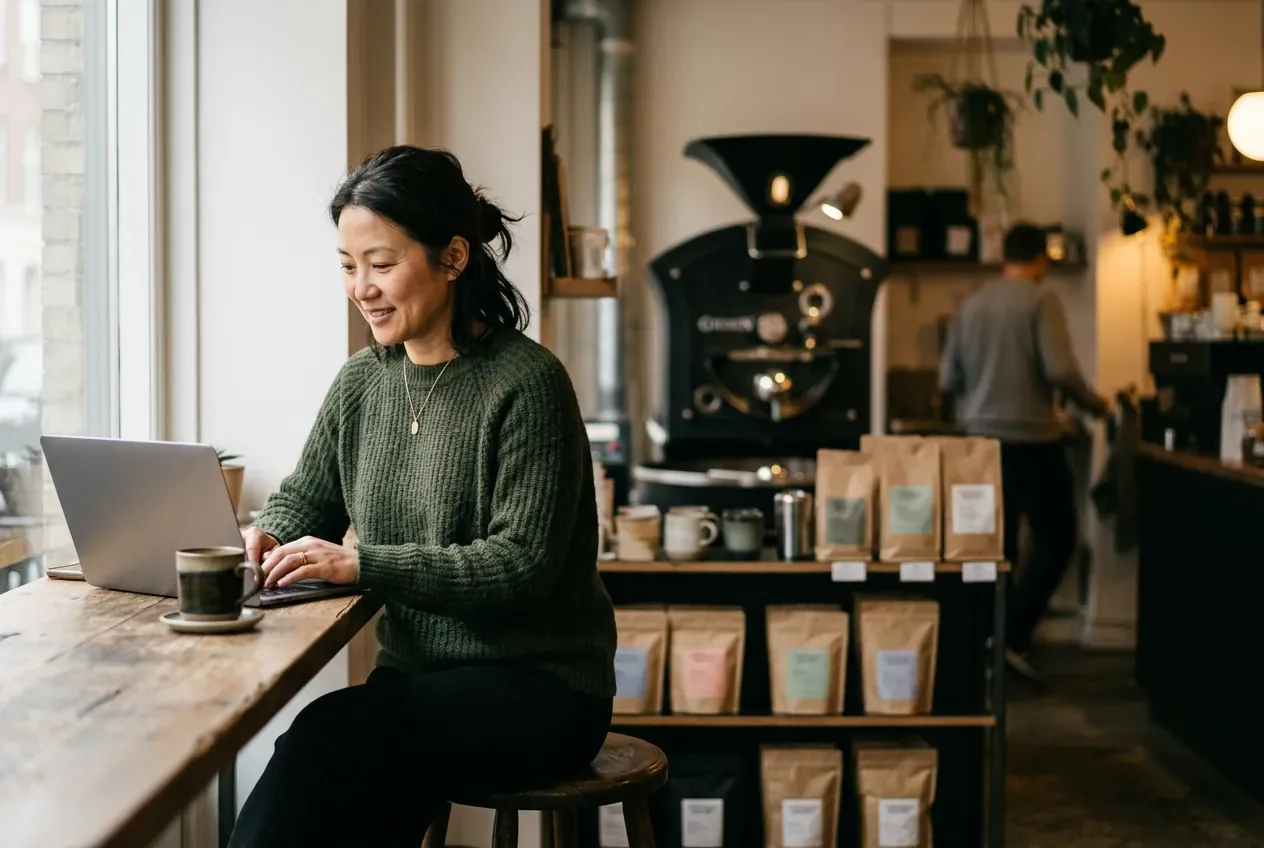
Your answers become a theme and a homepage written for your customers, in a few minutes.
Ask for a new section or a rewrite in plain words. Every change is easy to review and undo.
Fine-tune colors, fonts, buttons and corners in your theme, and every page follows.
You bring what only you know: your customers, your craft and the details that have to be right. Pagecloud AI does the building. You stay in charge of every word.
ContentMake this intro shorter
PagesAdd a services page
DesignUse our brand colors
FormsAdd a contact form
ImagesMake this photo warmer
ContentAdd our winter hours
TrafficWhere are visitors coming from?
DesignRound the buttons
PagesAdd an FAQ page
ContentMake this friendlier
ImagesGenerate a café at dusk
EmbedsAdd our booking widget
Conversation and hands-on editing work together, so every change can happen the way that suits you.
Select any heading, image or section, then move it, duplicate it or ask for a change.
Every change can be undone, so try ideas freely.
Preview desktop, tablet and phone before anything goes live.
Three ways to get the right image.
Nothing goes live until you say so.
Tell us about your business. We’ll help with the rest.
Create your websiteFree to start.