
Skip to content

A little pop can go a long way.

Popups and banners that feel like part of your website. Welcome new visitors, share an offer or invite people to subscribe, right when it matters.

Three ways to say hello.

Pick the format that suits your message, then decide how and where it appears.

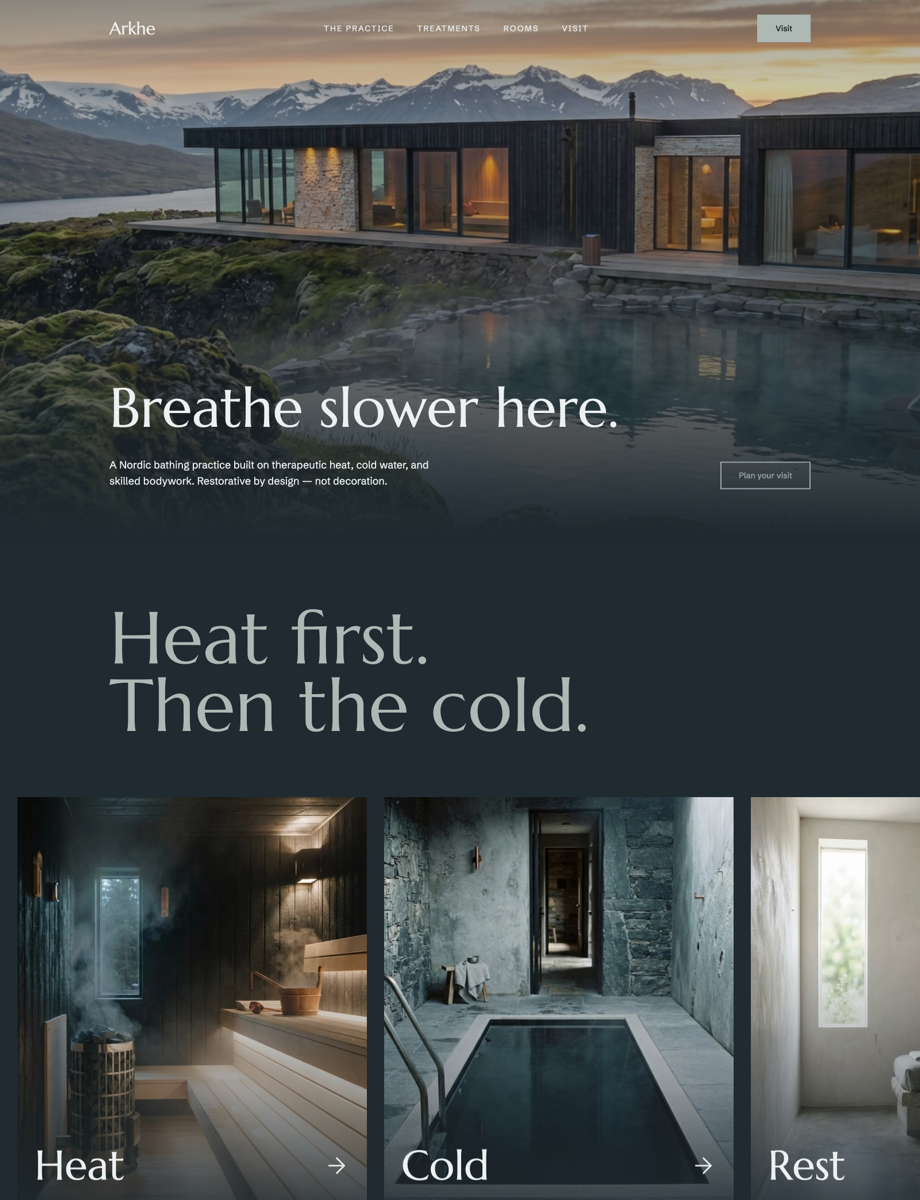
A green banner with a fall sale offer across the top of a page

Banners

A slim strip across the top of the page for shipping news, a sale or an announcement. Visible without getting in the way.
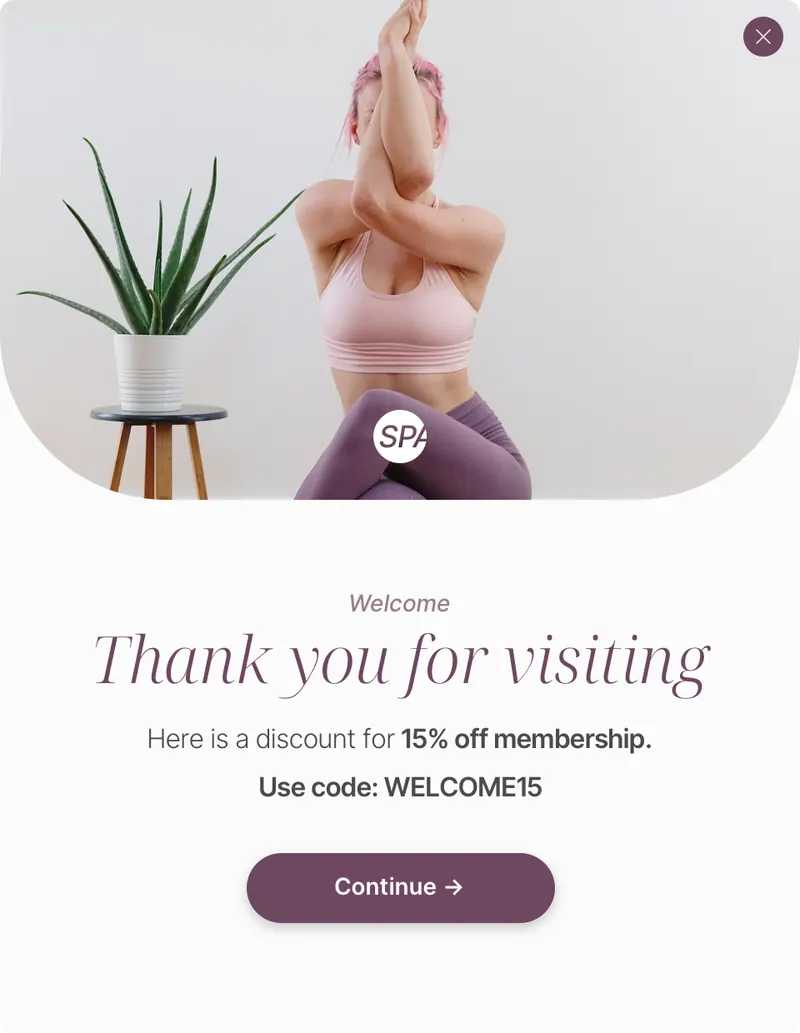
A welcome popup with a membership discount centered over a page

Popups

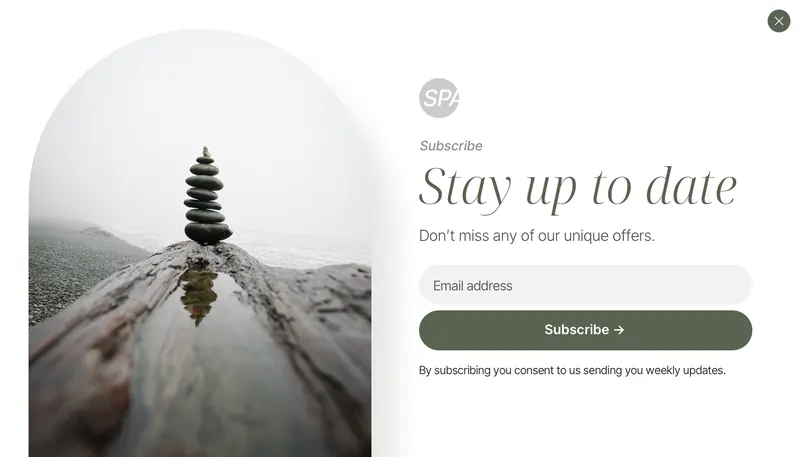
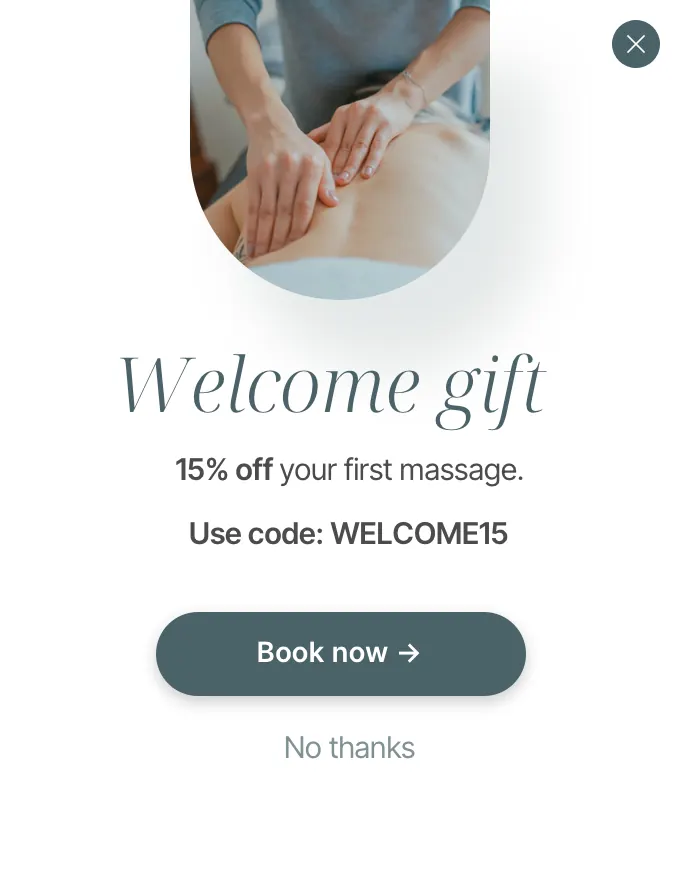
A centered message for the moments that deserve full attention, like a welcome offer or an invitation to subscribe.

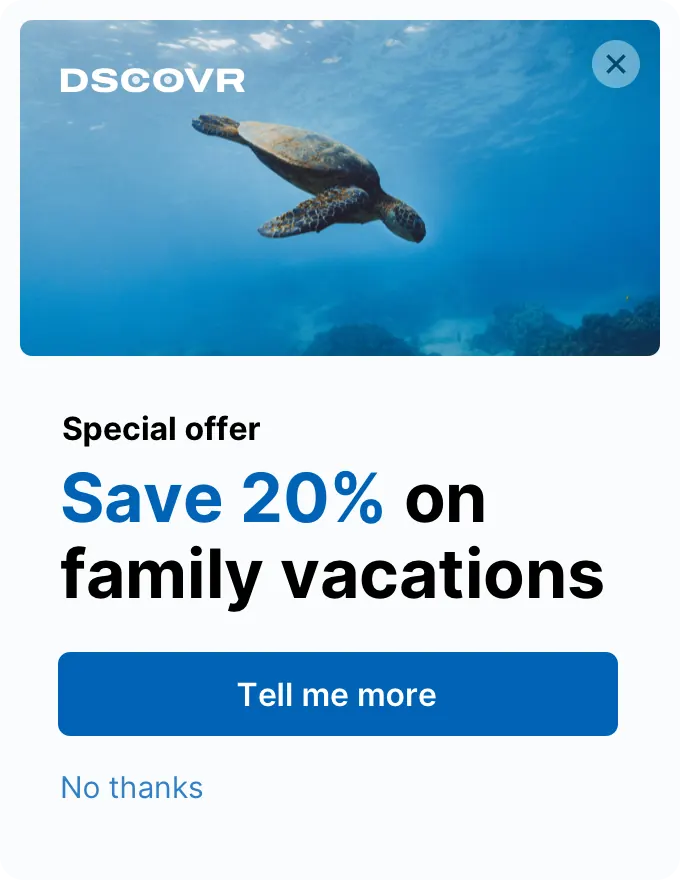
A small subscribe slide-in in the corner of a page

Slide-ins and panels

A gentle note in the corner or a panel from the side. Helpful without interrupting what people came to read.

The right message at the right moment.

Choose when your popup appears: after a few seconds, partway down the page, or just as someone is about to leave. Pick the pages and devices it shows on, so it always feels considered.

Time delay

After 8 seconds

Scroll depth

Halfway down

Exit intent

Before they go

Catch visitors heading for the close button with a last helpful offer.

Pages and devices

Just where it fits

Show it on the pages and screen sizes you choose.

Popups, with a website builder behind them.

The same design freedom, no-code editing and analytics as the Pagecloud website builder.

  • Flexible design Make your popup feel like part of your website, with no code.
  • Publish anywhere Add your popup to almost any website with one line of embed code.
  • Privacy-first analytics See how your popup performs while keeping visitor data safe.
  • Conversion goals Count what matters to you, like form submissions and button clicks.
  • Custom forms Collect sign-ups and inquiries, then read them in your inbox.
  • Apps inside popups Embed booking, chat, video and other tools right in a popup.
  • Mobile friendly Looks right on phones, without getting in the way of your content.
  • Layout options Decide exactly where a popup or banner sits on your live site.

Use it on the website you already have.

Publish your popup, copy its embed code and paste it into your site. Step-by-step guides cover the most popular platforms.

Your embed code

<!-- Pagecloud popup -->
<script async src="…your popup’s embed URL…"></script>

Paste it once. Edits you publish in Pagecloud show up on your site without changing the code.

Designs that get noticed.

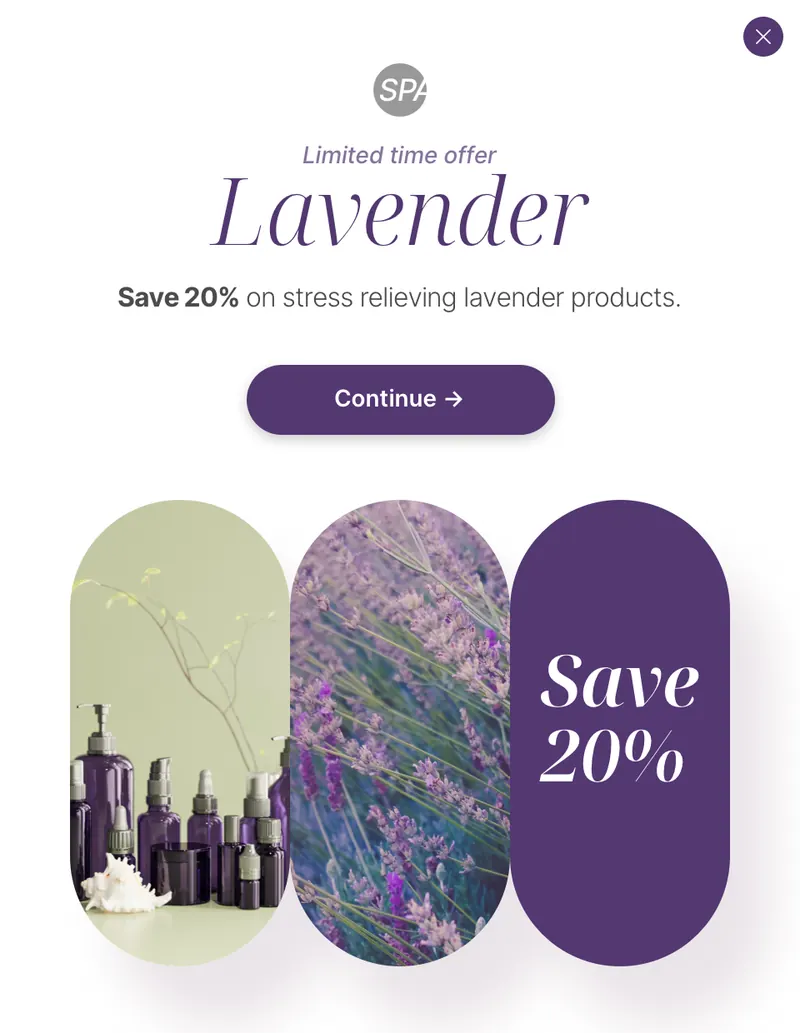
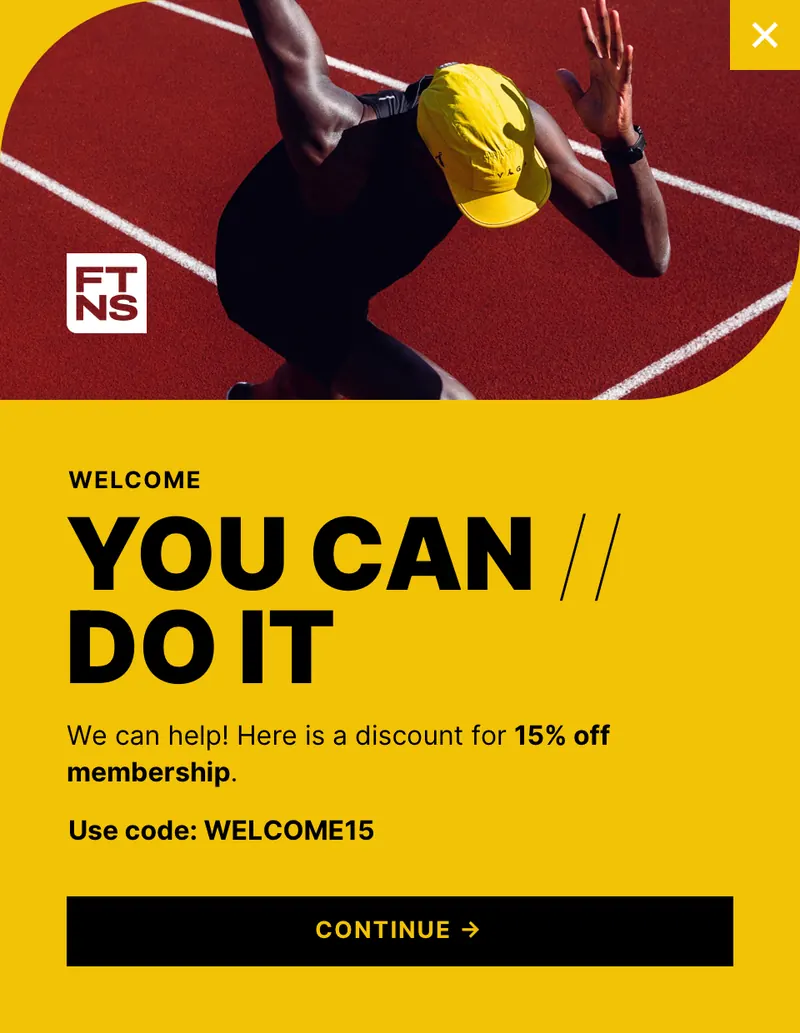
Start from one of more than 200 templates across five design kits.

See the design kits

Popup questions, answered.

How do I build a popup?
Start from a template or a blank canvas in your Pagecloud account. Drag and drop content, click to edit text and images, and publish without code.
How do I choose when it appears?
Pick the pages it shows on and how it triggers: after a time delay, at a scroll depth or on exit intent, and on which devices.
Can I use popups on a website that isn’t built with Pagecloud?
Yes. Add the embed code to your site. Our guides walk through Squarespace, Webflow, Wix, Framer and WordPress.
Can I add a popup to a Pagecloud AI site?
Yes, as an embed. Popups are built and managed in Pagecloud Classic; adding the embed code doesn’t add a popup manager to Pagecloud AI.
Will a popup hurt my site on mobile?
Popups are designed to work on phones. Choose the devices each one shows on, and keep mobile messages short and easy to close.

Hear what’s new with Popups.

Leave your email and we’ll send occasional updates about Pagecloud Popups.

Fields marked required must be completed.

This form is protected by reCAPTCHA. Google’s Privacy Policy and Terms of Service apply.

Your next popup is a template away.

Pick a design, make it yours and publish it from your Pagecloud account.