
From a template to your own website.
A friendly walkthrough of the original visual builder: pick a layout, make every detail yours, connect your pages and publish with confidence.
Building with Pagecloud AI instead? Use the AI guide.

Four steps to a site that’s yours.
Take them in order, and come back to any of them whenever your business changes.
- 1
Choose your starting layout
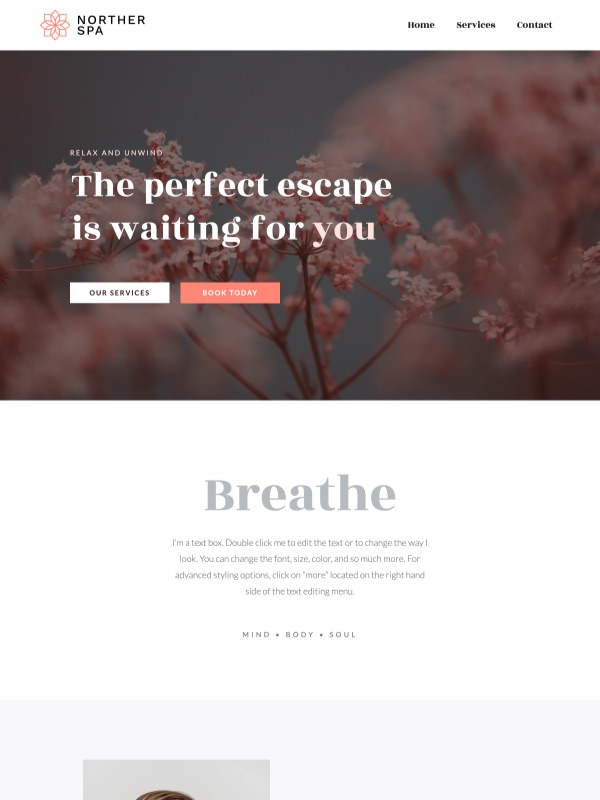
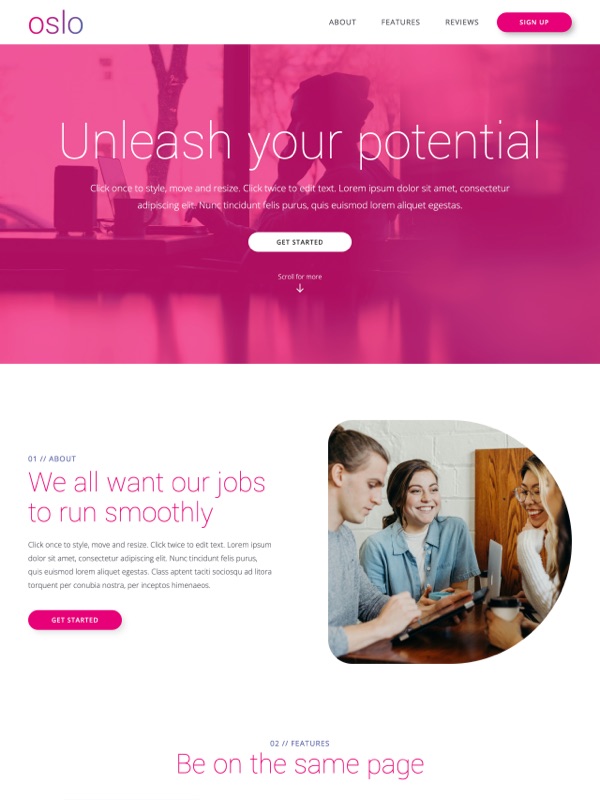
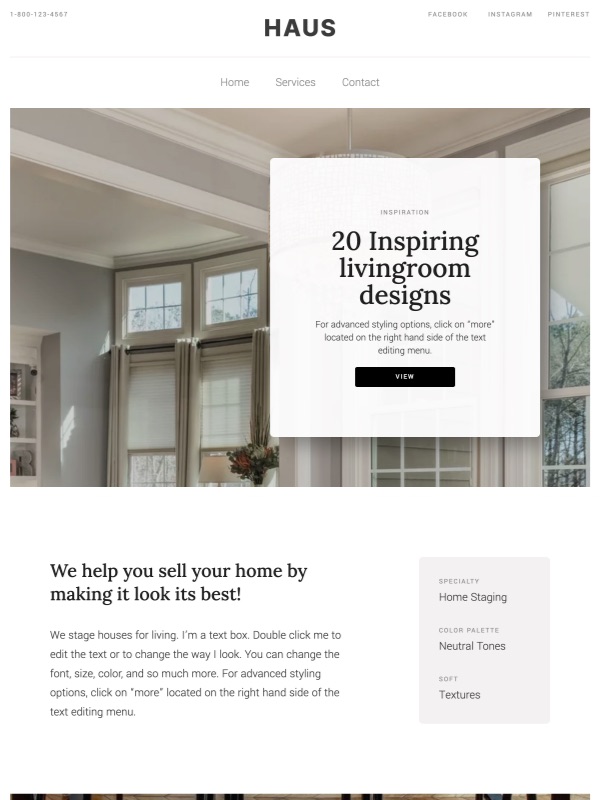
Browse Classic templates for a structure that fits the information you need to show. You can change every word, image and color later.
- 2
Replace the sample content
Add your business name, services, logo and original photos. Sample details hide in more places than you’d think, so check them all.
- Header and logo
- Every button label and where it leads
- Contact section and footer details
- Example offers, prices and claims
- 3
Shape and connect your pages
Adjust sections in the visual editor, add the pages your site needs and give each one a clear name in the navigation.
- 4
Review, then publish
Check the mobile layout, links, forms and search information. Confirm your Classic plan and domain setup, then go live.
Publishing is a beginning.
Follow your navigation as a first-time visitor would, and keep a short list of the details that change with your business.
- Contact detailsPhone, email, address and hours.
- Offers and pricesRemove anything that has ended.
- Links and toolsBooking, forms and other providers.
- PhotosShow your latest work.