
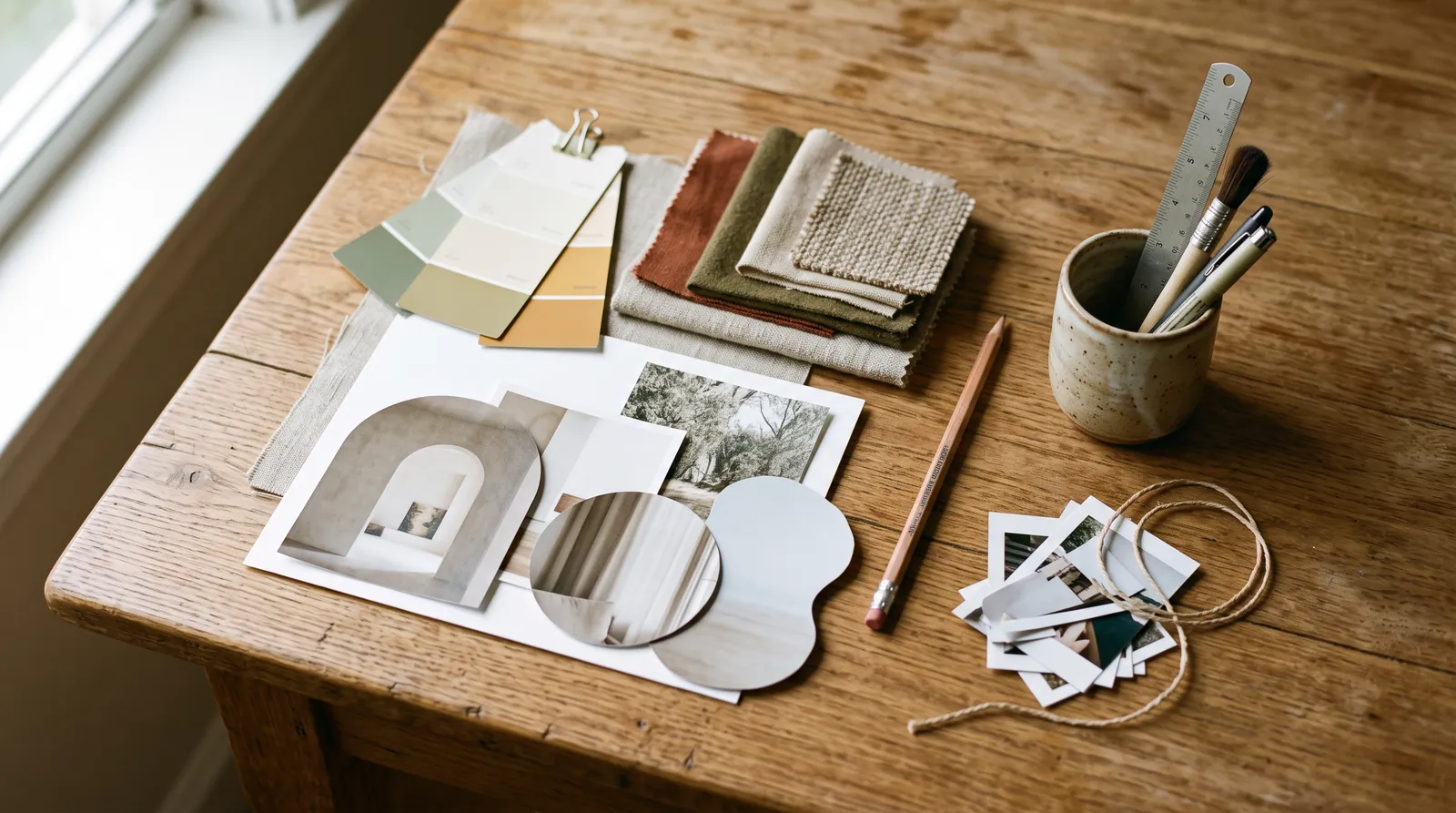
One of the questions we hear most from beta users is some version of "how does it decide what my site looks like?"
The short answer: it doesn't pick a template. This week we shipped rebuilt page layouts, so it felt like a good time to explain what actually happens between your description and your first draft.
It starts with a creative direction
Before Pagecloud AI builds a single section, it writes a short creative direction for your site, based on what you told it. That covers the tone of voice, the colors and type, the kind of imagery that fits, and how sections should feel.
Every page it builds follows that direction. That's why the fifth page on your site looks like it belongs with the first, and why a bakery and a law office come out looking nothing alike.
You can see the whole flow on the Pagecloud AI feature page.
Pages are built like a story
Good pages have a shape. They open with what you do and who it's for, show the work, give visitors reasons to trust you, and end with a clear next step, whether that's booking, calling or visiting.
Pagecloud AI builds pages the same way, choosing sections for the job each one has to do rather than stacking blocks in a fixed order. It varies the rhythm too, so a page doesn't read like the same block repeated six times.
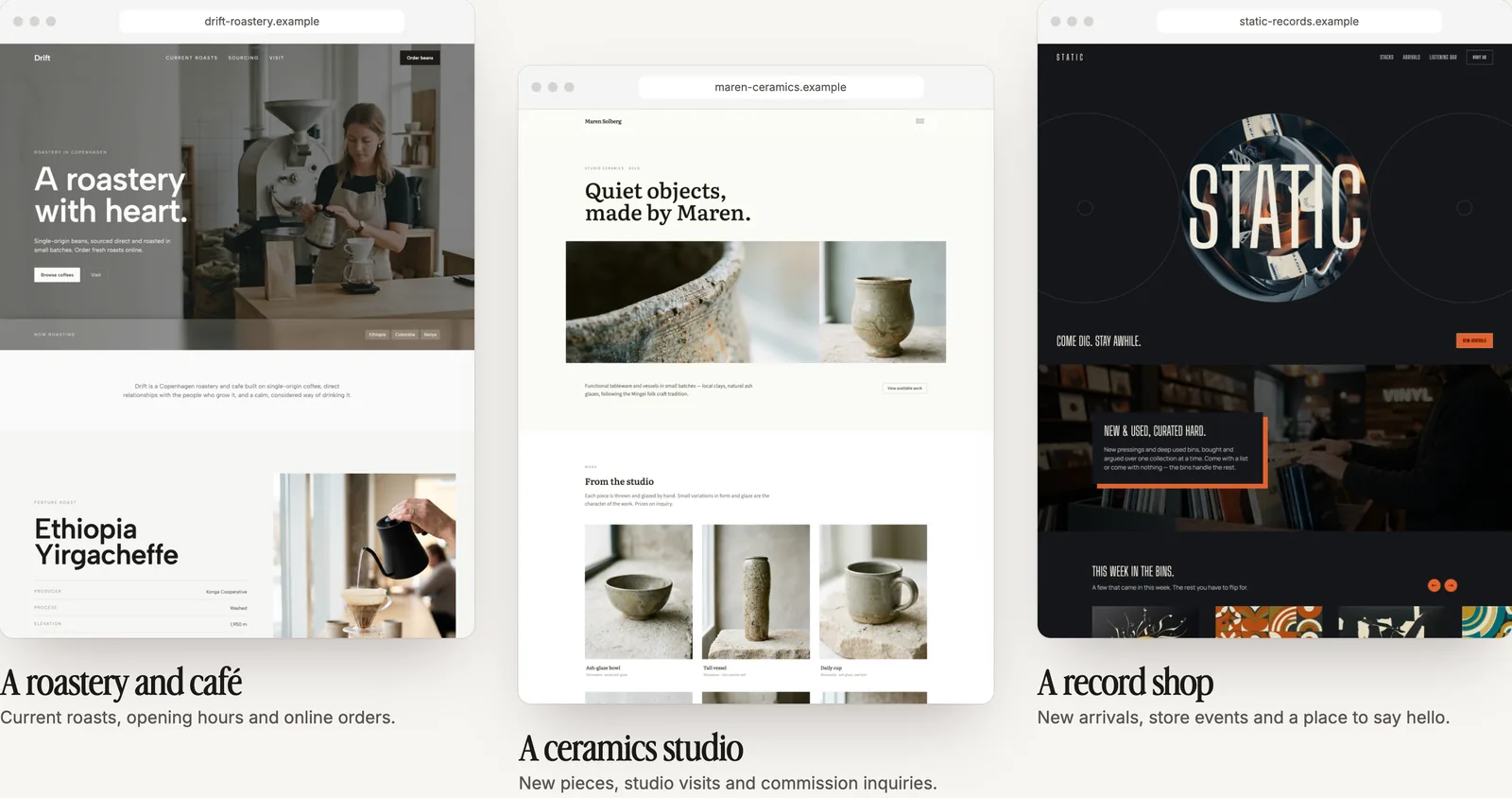
What changed this week
The page layouts behind all of this were rebuilt. You'll notice:
- More variety and better pacing from section to section.
- Smarter headers and hero sections that fit your content instead of forcing it into one shape.
- More background shades to work with, so sections can separate without looking boxed in.
- Closer attention to the style you asked for. If you said warm and minimal, you should get warm and minimal.
Photos in more than rectangles
Pagecloud AI can place photos in more than 50 shapes: arches, circles, soft organic blobs, badges, scalloped frames and more. It's a small detail that makes a page feel designed rather than assembled. You can also ask for it directly: "put the team photo in an arch."
Photographers, designers and makers can see shape crops in action on our page for creatives.
A quality check before you see it
Before a page reaches you, Pagecloud AI checks it against a set of design and quality rules and quietly fixes common mistakes, like headings out of order, form fields without labels, or markup that would trip up a browser. You shouldn't have to catch those things yourself.
You're still the art director
All of this is about giving you a strong first draft. It's not the last word. Ask for a different mood, a bolder headline or a calmer palette and Pagecloud AI will follow your lead. Your site should look like your business, not like ours.
See what else has shipped on our product updates page, or try Pagecloud AI.