

The first month of the beta was a busy one. Thank you to everyone who's been building with Pagecloud AI and telling us what's working and what isn't. A lot of what shipped this month came straight from that feedback.
Here's what's new.
Form submissions in your dashboard inbox
When you ask Pagecloud AI for a contact form, a booking request or a quote form, the messages people send now land in your dashboard inbox. You can read each submission and see which form it came from.
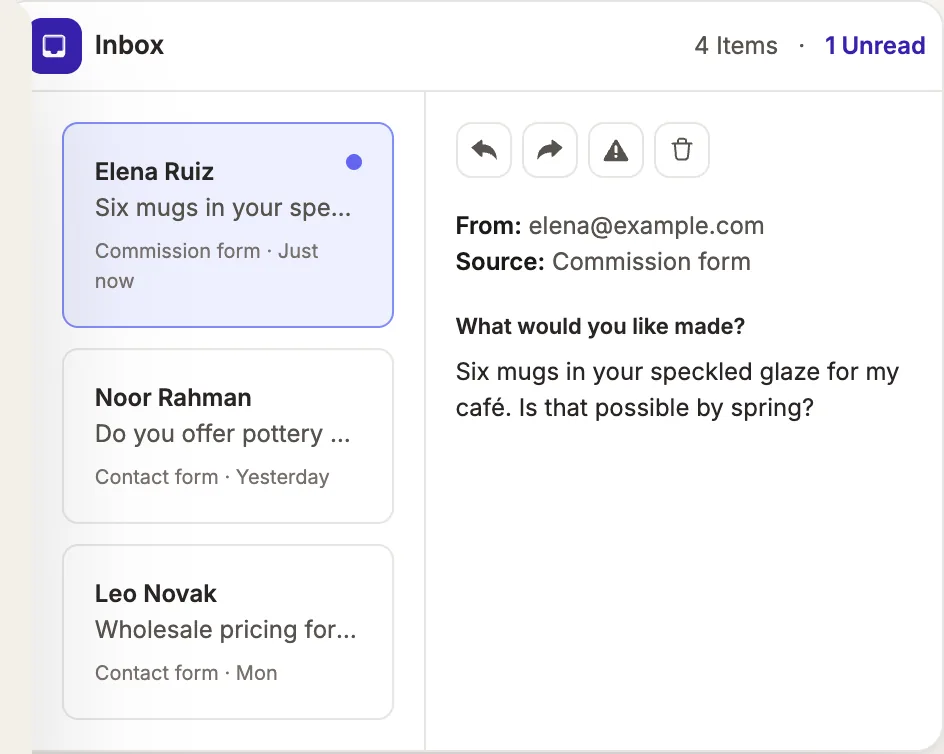
A form is only useful if the messages reach you. Now they do.
See how forms and the inbox work together.
Free stock photos, without leaving the editor
The Media panel has a new Find tab where you can search free Unsplash photography and add it to your site in a click. If a photo is already in your library, the add button turns into a checkmark, so you don't end up with duplicates.
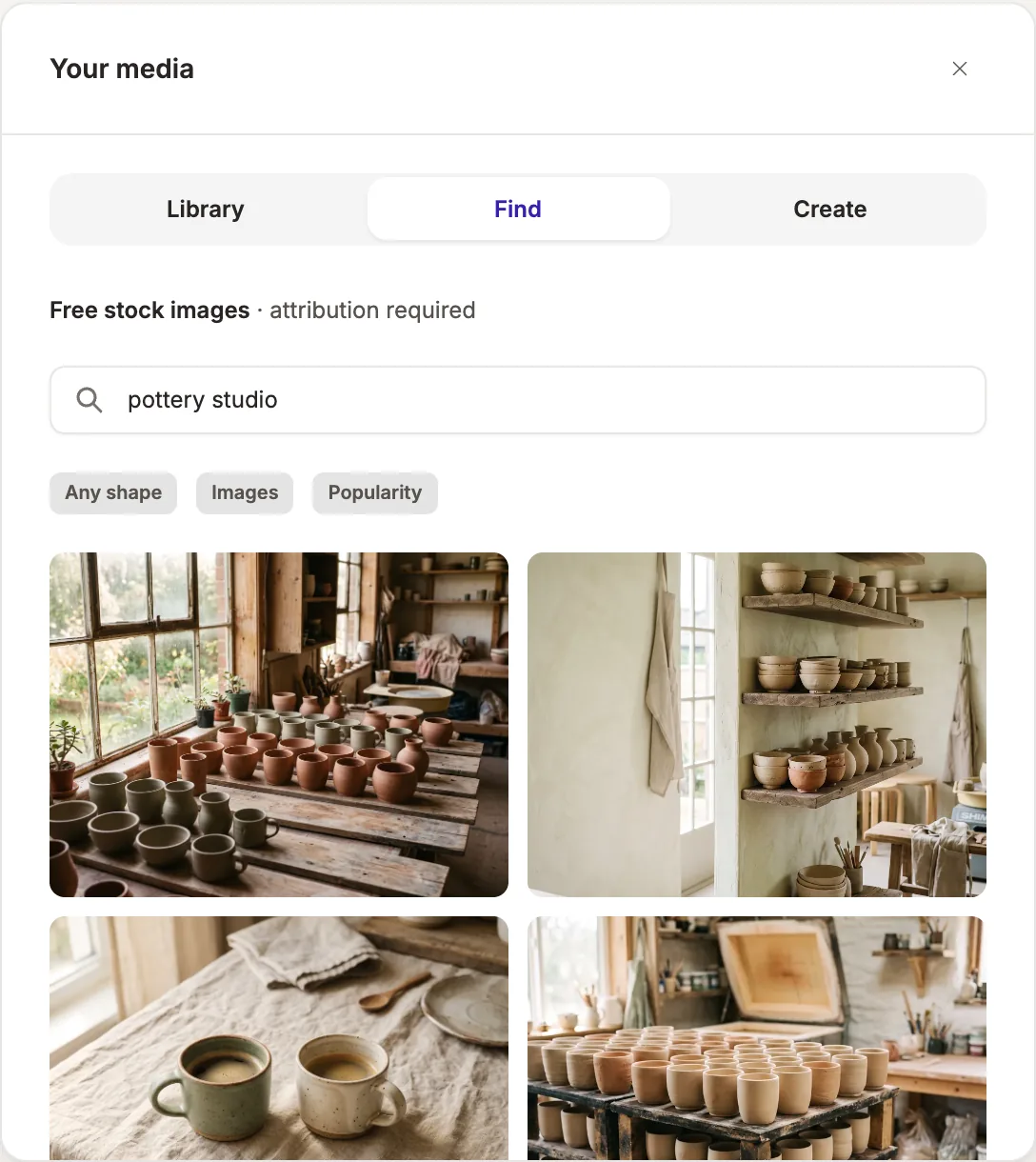
Your own photos will always tell your story best, but a good stock photo is a great placeholder while you gather them.
There's more on finding, creating and editing visuals on the image tools page.
Better fonts and colors
Color controls now show contrast as you choose, so it's easier to pick combinations people can actually read. New sites also get smarter font and color choices from the start.
Show it what you mean with reference images
Sometimes a picture says it better. You can now drop images into the chat as references, like a site you admire, a photo of your shop, or a menu you want to match, and Pagecloud AI will use them while it builds and refines your site.
Motion, built in
New sites now come with tasteful animation built in: sections that ease into view and small moments of movement that make a page feel alive without getting in the way.
A real editing canvas
Refining your site now feels like using a proper editor:
- A Pages panel to see every page on your site and move between them.
- Multi-select to work with several elements at once.
- Breadcrumbs so you always know where the element you've selected sits on the page.
- Link controls for setting where buttons and links go.
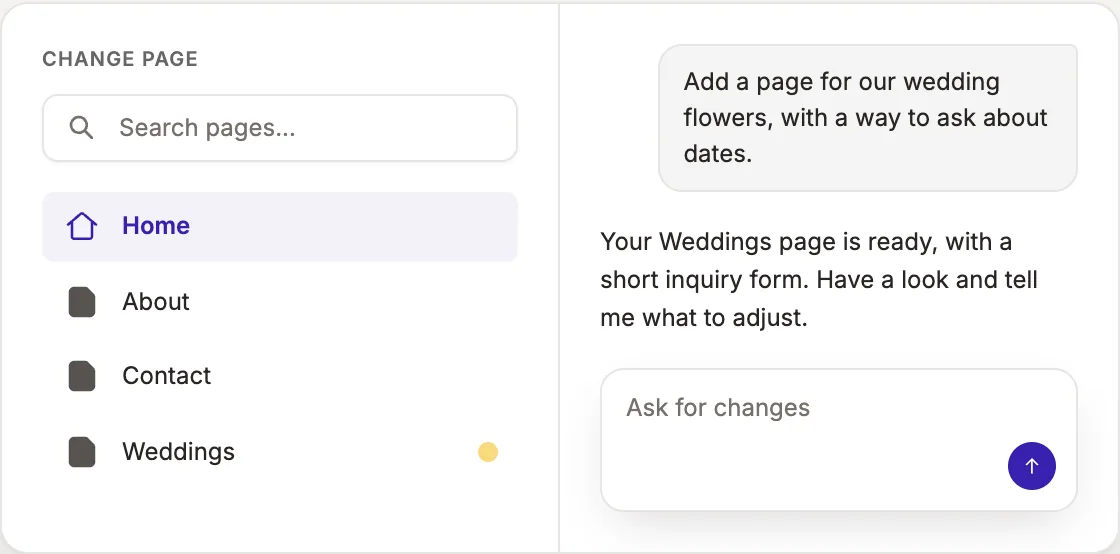
We also made chat sturdier. If your connection drops while Pagecloud AI is replying, the conversation now recovers instead of losing your place.
More soon. You can see every update on our product updates page.
Here's a closer look at how editing with Pagecloud AI works.